
WiFi Radiation Worries? Build This ESP32 Scanner – Free Guide
From Schumann resonance talks to a real DIY WiFi monitor: Spectrum One's full 140-page blueprint, no gatekeeping.

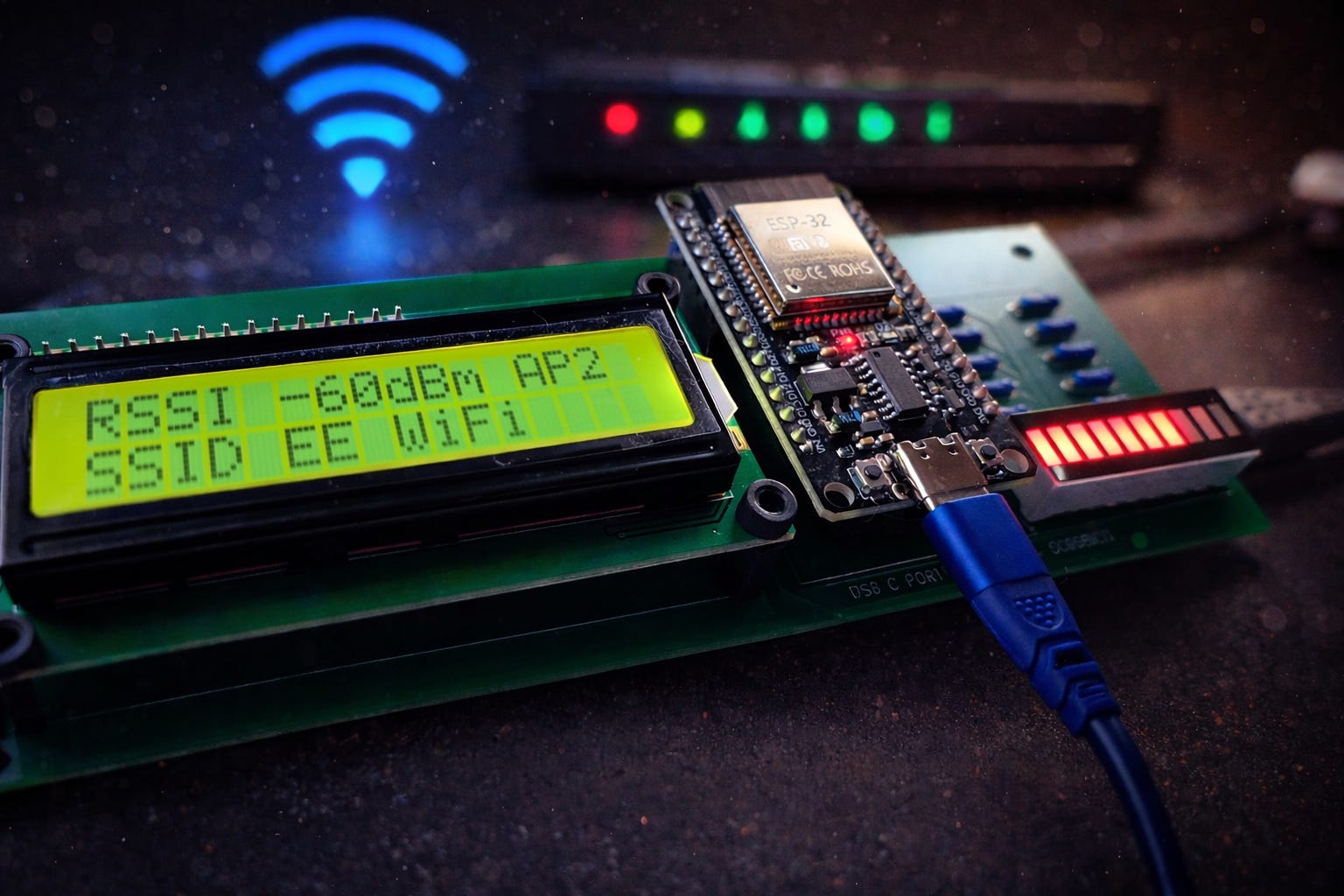
Ever had a late-night conversation that starts with “What if…?” and ends with you holding a breadboard like it’s a weapon?
That was us.
My partner and I are built different. She lives in the world of wellness — EMFs, nervous system regulation, Solfeggio tones, Schumann resonance — all that “invisible forces” stuff most people roll their eyes at… until they feel it (or don’t, and keep rolling).
Whatever “side” you’re on, Wi-Fi exists. That part isn’t up for debate.
Me? I’m the engineer. I don’t really do vibes unless I can measure them, log them, graph them, and then break them on purpose to see what happens.
So we kept circling the same argument:
Are we actually affected by the wireless soup we live in… or are we just tired and blaming the nearest router?
Then she dropped a simple idea:
“What if we build something that helps us counter it?”
We looked at what the market was selling — “EMF blockers,” “healing frequency devices,” “harmonizers,” all priced like luxury jewelry and explained like a horoscope.
And I had the same reaction any builder has when they see mystery pricing + fuzzy claims:
Nah. We’re building our own.
But here’s the plot twist…
Before you “counter” anything, you need to see what’s real.
You need visibility. You need data. You need to know what’s active, when, and where it’s coming from.
So instead of starting with a frequency generator, I built the tool I wish existed first:
A WiFi activity monitor that shows you what’s happening around you — in real time.
That’s Spectrum One.
The Moment It Clicked
That night I grabbed an ESP32 dev board, a breadboard, and a mess of jumper wires.
By morning, I had a rough prototype scanning nearby WiFi networks and reporting RSSI (signal strength). Nothing fancy. Just proof that the idea had teeth.
I also messed with a quick frequency-generator concept on the side… and it immediately got shoved into the “later” pile. (We’ll bring it back. I’m not letting it die.)
But the scanner? The scanner grabbed me.
Because once you can see the wireless environment, you stop guessing. You stop arguing. You start making choices.
And I kept thinking:
“Why isn’t this modular? Why isn’t this something you can extend like LEGO for hardware nerds?”
So I rebuilt it properly.
Breadboard → design → PCB → revisions → clean board → a standalone platform.
Spectrum One Isn’t a Gadget. It’s a Launchpad.
The goal was: build a baseboard you can keep evolving.
So Spectrum One is designed to be:
Expandable (stackable extensions and add-ons)
Hackable (exposed GPIO for whatever you want to wire in)
Modular (swap displays, add sensors, build your own modules)
Actually usable (not a demo board you abandon after 20 minutes)
You can keep it simple — a WiFi activity monitor you use to map your space.
Or you can go feral and turn it into:
a signal-aware room monitor
a presence/activity trigger for automations
a sensor hub
a “quiet zone” indicator
a platform for experiments you haven’t named yet
a WiFi hacking device (haha nope, strictly for educational/own-network use only)
That’s the point.
Why I’m Releasing This as Open Hardware
Because I’m tired of two things:
Companies selling shiny black boxes with zero docs, zero source files, and a bunch of vague “harmonize your energy” marketing that costs way too much for what it is.
The way most hardware projects treat people like they’re just customers who buy and forget — not builders who want to open it up, fix it, hack it, or turn it into something else entirely.
That’s not how I roll.
I built this thing because I wanted something useful that I could actually understand and improve.
And if it’s useful to me, it’s probably useful to someone else who’s tired of the same crap. So screw the usual game.
No teasers, no “stay tuned for part 2,” no locking the good stuff behind a paywall or an email signup wall just to see how it works. Here’s the whole damn thing.
Free download
Inside: Spectrum One build reference (140 pages)
Schematics + diagrams
Design decisions (what I chose and why)
Parts notes + practical build guidance
Firmware structure + Wi-Fi scanning logic (including RSSI handling)
Expansion ideas you can steal and improve
Build it as-is. Fork it. Remix it. Improve it. Make it weird.
That’s what open hardware is supposed to feel like.
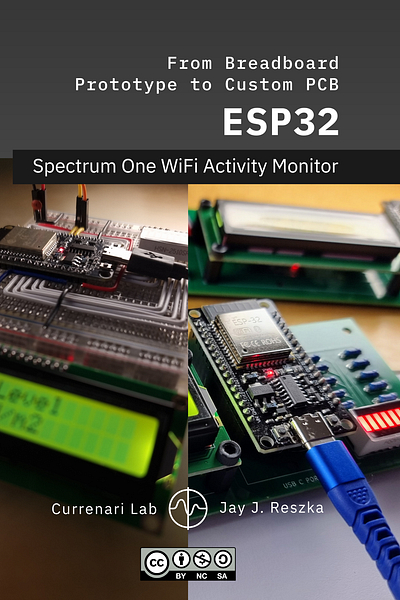
Plus all production files and source files on GitHub.
View Currenari Lab on GitHub
One last thing
If this blend of solder, silicon, and “what is all this invisible noise doing?” thinking speaks to you, subscribe. Or ignore it. Both are valid.
The 140 page PDF is free. The schematics are free. The code is free. That does not change. Take it apart. Modify it. Use it as a starting point. Or leave it alone.
I only post when there is something that earns the space. That could mean:
expanding this build
revisiting the frequency experiment
chasing an idea that refuses to sit still
One last thing before I shut up:
What’s the last “what if...” idea that made it out of your head and into the physical world — bonus points for the ones that went spectacularly sideways?
If you want to tell the story, I’m listening.
For newcomers
Every week I send out Midweek Current to paid subscribers.
Different voice. What I’m thinking about. What’s irritating me. What’s interesting.
All of it tech.
Optional. Entirely.
The free material stays free.
— Jay